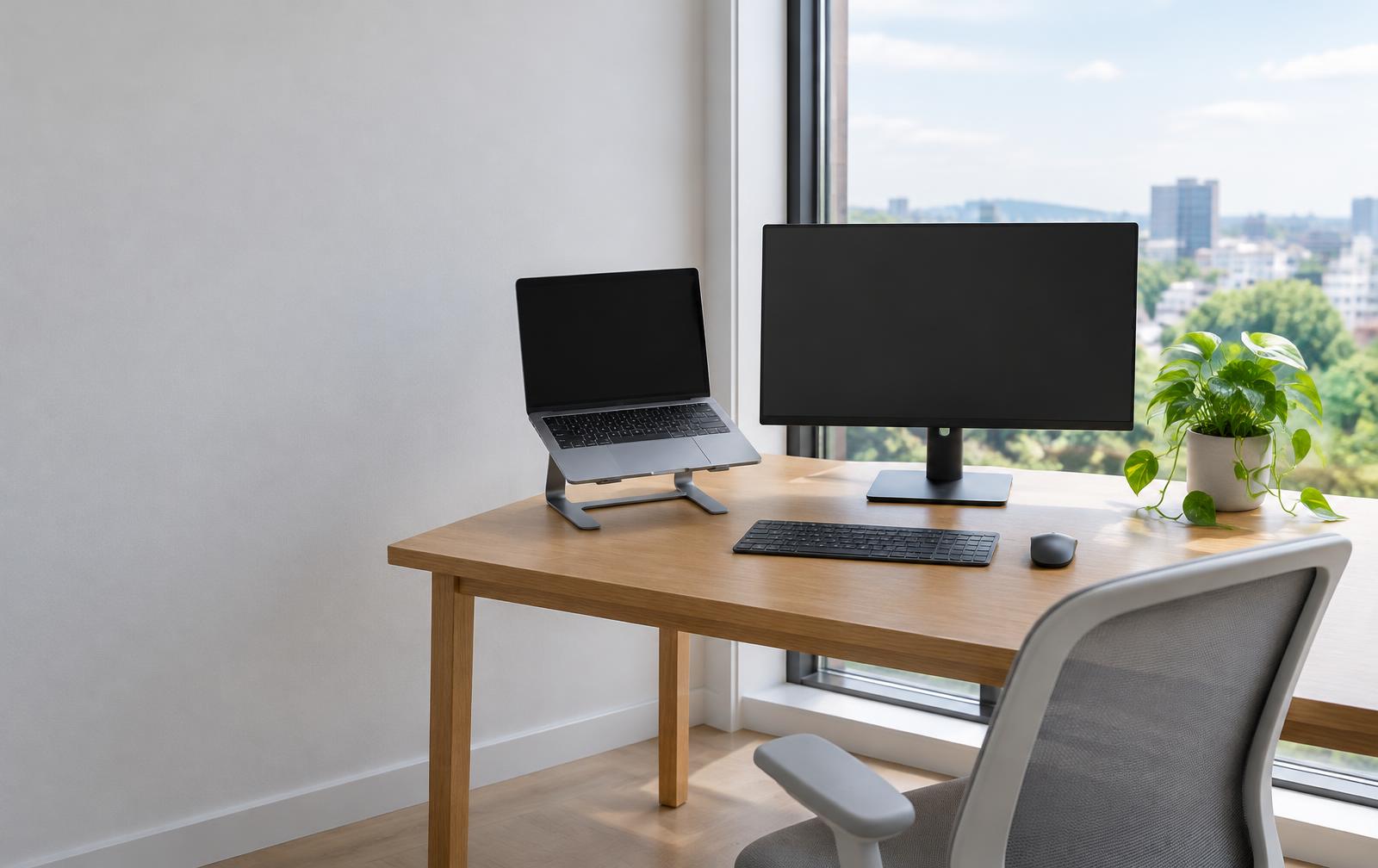
Choosing the best laptop for students comes down to balancing battery life, portability, and dependable day-to-day performance. Whether you are typing lecture notes in a busy library, joining online tutorials, or compiling research, a student computer needs to last through a full day on campus without weighing down your backpack. For the vast majority of UK college and university courses, machines such as the Apple MacBook Air, the Acer Swift Go, and the Lenovo IdeaPad series represent the sweet spot between all-day stamina, responsive multi-tasking, and reliable build quality.
The right choice will naturally depend on your degree subject and the software your tutors expect you to run. Humanities, law, and business students often prioritise a crisp screen and a comfortable keyboard for thousands of words of essay writing, whereas students in engineering, architecture, or digital media need dedicated graphics power and more capable multi-core processors to crunch through demanding simulations and design files.
The best laptop for students: Top models for study
When narrowing down your shortlist, several standout machines consistently perform well in lecture theatres across the UK:
- Apple MacBook Air (M-Series): Renowned for its silent, fanless design and exceptional battery performance, the MacBook Air easily lasts through back-to-back lectures and revision sessions. The crisp Retina display is easy on the eyes during late-night study sessions, and the sleek aluminium chassis slips neatly into any satchel.
- Lenovo IdeaPad Slim Series: Lenovo offers some of the most reliable keyboards on the market, making the IdeaPad an outstanding choice for typing-heavy degrees. With modern AMD Ryzen or Intel Core processors, these laptops handle spreadsheets, multiple browser tabs, and essay drafts effortlessly.
- Acer Swift Go: A compact Windows ultraportable that packs sharp visuals and generous port selection into a lightweight frame. It is an ideal companion for learners who need to connect external monitors, thumb drives, or campus presentation displays without carrying extra dongles.
- HP Pavilion Series: A versatile all-rounder that balances everyday productivity with multimedia entertainment. HP Pavilion models are well suited to students living in university halls who want a single machine for lecture work, video streaming, and video calls with family back home.
Key features to look for before buying
Every student has individual needs, but certain core hardware features make college life far more manageable over a three- or four-year course:
- Battery endurance: Look for a laptop rated for at least eight to ten hours of realistic usage. Campus power sockets are often in short supply in crowded lecture halls, so surviving a full study day away from the wall outlet is invaluable.
- Memory (RAM): For basic word processing and web research, 8GB of RAM is sufficient. However, if you keep dozens of browser tabs open while running music streaming apps and office suites, or if you study design and computing, opting for 16GB ensures the machine remains snappy.
- Solid-state storage (SSD): Avoid traditional mechanical hard drives entirely. A fast SSD ensures your operating system loads in seconds and apps launch instantly. A drive capacity of 256GB to 512GB provides plenty of space for assignment files, digital textbooks, and essential software.
- Weight and form factor: You will carry your laptop across campus daily. A display size between 13 and 15 inches usually offers the best compromise between usable workspace and a manageable carrying weight.
How to manage the cost of your student setup
Equipping yourself for higher education can be expensive, and finding the best laptop for students should not mean draining your savings before term even begins. That is why flexible purchasing options can provide welcome breathing space.
With a monthly payment plan from our partner shop, UK shoppers can access an interest-free store-credit facility without having to pass a credit check. Because the service offers genuine 0% APR, you only ever pay the actual purchase price divided into manageable regular instalments. Rather than paying large upfront sums or taking on high-interest credit cards, you can budget steadily while securing modern computing equipment tailored to your course demands.
Frequently asked questions
Can I get a student laptop with no credit check?
Yes. a monthly payment plan provides a store-credit facility that does not require a credit check, making it an accessible option for students who have not yet built up a comprehensive credit history.
When will my laptop order be dispatched?
Under our dispatch rules, your first order is dispatched once its qualifying payments have been completed (which is usually the fourth payment). Once you are an established customer, later orders are dispatched straight away without waiting for multiple instalments.
Is Windows or macOS better for university coursework?
Both platforms work brilliantly for general student workloads like Microsoft Office, Google Workspace, and video conferencing. However, you should check your course handbook first, as certain degrees require specialist Windows-only software or creative applications optimised for Mac.
Shop with our partner shop today to explore student-friendly laptops on flexible 0% APR store credit.
Shop with our partner shop and spread the cost at 0% APR, subject to eligibility.