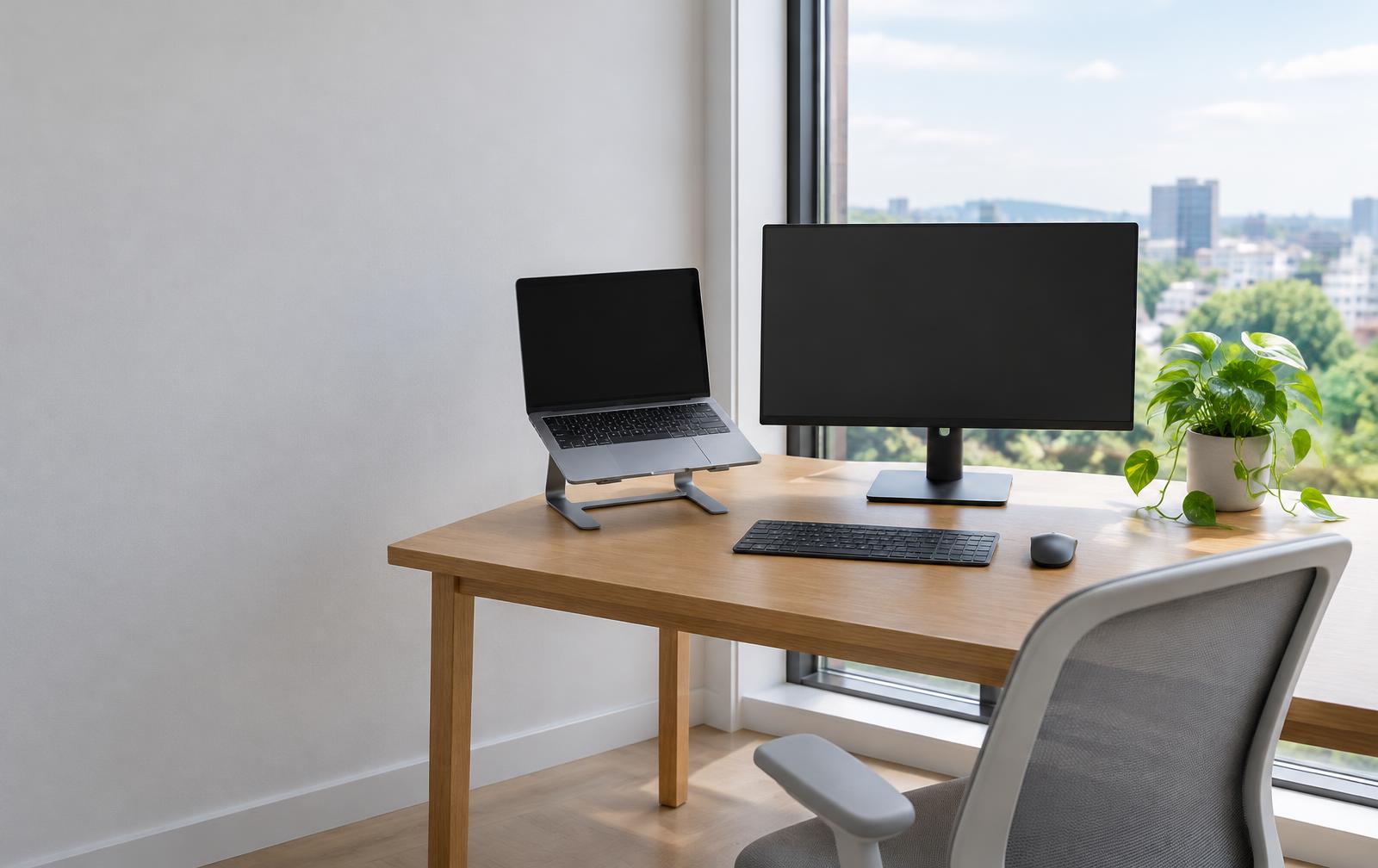
A windows 11 laptop is any portable computer running Microsoft's latest operating system, engineered to deliver modern security, streamlined multitasking, and built-in artificial intelligence tools like Copilot. Unlike older machines, these laptops feature native TPM 2.0 security chips, clean layouts, customisable virtual desktops, and snap layouts that make working between multiple documents effortless. Whether you are balancing household admin, studying, or working remotely, these devices offer a responsive, future-proof platform for work and leisure.
For UK households, moving to a modern machine has become essential as older versions of Windows approach their end-of-support deadlines. Upgrading ensures you receive continuous security updates, full compatibility with the latest banking apps and office suites, and improved energy efficiency that extends battery life throughout the day. Getting the right device simply comes down to matching your daily software requirements with dependable hardware components.
What to look for in a modern Windows 11 laptop
Selecting the right machine requires looking beneath the sleek exterior to examine the core specifications. While Windows 11 has modest baseline requirements, practical everyday use demands enough headroom to prevent slowdowns over several years of use:
- Processor (CPU): Look for at least an Intel Core i3 or AMD Ryzen 3 for essential web browsing and media playback. If your work involves extensive spreadsheets, photo editing, or heavy multitasking, stepping up to an Intel Core i5 or AMD Ryzen 5 ensures smooth performance without system lag.
- Memory (RAM): While the operating system can run on 4GB of RAM, we strongly recommend a minimum of 8GB for everyday browsing and office work. For power users and creative tasks, 16GB provides seamless switching between dozens of open tabs and resource-heavy software.
- Solid-State Storage (SSD): Avoid traditional spinning hard drives entirely. A fast NVMe solid-state drive drastically reduces boot times and opens programs instantly. A 256GB SSD works well for cloud-focused users, while a 512GB drive offers ample local space for family photo libraries and large work files.
- Display and Build Quality: A 14-inch to 15.6-inch Full HD (1080p) anti-glare screen strikes the sweet spot between comfortable viewing and portability around the house. Look for narrow bezels, a comfortable keyboard, and an integrated webcam with a physical privacy shutter.
Top picks for work, study, and family use
Manufacturers have refined their hardware to make the most of Microsoft's software enhancements. Here are several standout models currently leading the UK market:
- Lenovo IdeaPad Slim 3: A dependable everyday workhorse featuring quiet cooling, sharp display options, and comfortable key travel that makes prolonged typing sessions fatigue-free.
- ASUS Vivobook 15: Renowned for its sleek design and vibrant NanoEdge screen, this model delivers fantastic multimedia performance alongside practical features like a 180-degree lay-flat hinge.
- HP Pavilion 15: Blending premium aluminium accents with powerful multi-core processing, this notebook easily handles demanding home-office tasks, video conferencing, and light content creation.
- Acer Aspire 5: A perennial favourite for students and home users needing generous connectivity, including full-sized USB ports and HDMI outputs for external monitors.
Each of these machines takes full advantage of Windows 11 features, such as integrated Microsoft Teams calling, seamless OneDrive cloud backups, and enhanced battery saver routines.
Upgrading smoothly without upfront strain
Investing in a brand-new windows 11 laptop should never mean wiping out your monthly savings or settling for a sluggish, outdated machine that struggles to load web pages. Modern tech should remain accessible, especially when reliable hardware is vital for school projects, family organisation, and employment.
Through a monthly payment plan, you can get the laptop you need today without taking on long-term interest charges. a monthly payment plan provides an interest-free store credit facility with no credit check required, allowing you to split your payments evenly into simple, manageable instalments. Because your credit history is not examined, you can upgrade your family's technology with confidence and complete peace of mind.
Frequently asked questions
Can any older laptop run Windows 11?
Not necessarily. Microsoft requires specific processor generations, Secure Boot capabilities, and a dedicated TPM 2.0 (Trusted Platform Module) security chip to run the operating system officially. Most laptops manufactured before 2018 lack these security features, which is why purchasing a purpose-built machine is often the safest path forward.
How much RAM do I need for Windows 11?
While the official minimum requirement is 4GB, real-world everyday multitasking is significantly smoother with 8GB of RAM. If you plan to edit media, keep dozens of browser tabs open simultaneously, or use your laptop for several years without performance degradation, choosing 16GB is the ideal choice.
Can I spread the cost of a new laptop with no credit check?
Yes. With a monthly payment plan, you can split your purchase into predictable, budget-friendly payments without undergoing a traditional credit check. Best of all, the arrangement carries zero interest, making it straightforward to manage your finances responsibly.
Shop with our partner shop today to explore our range of notebooks and spread the cost with a monthly payment plan at 0% APR.
Shop with our partner shop and spread the cost at 0% APR, subject to eligibility.